Is Free Video Converter free, and does it add a watermark?
The conversion app is free to use and adds no product watermark. You can optionally add your own PNG image watermark. Setup may present a separately disclosed optional RelevantKnowledge offer; you can decline that offer and continue installing Free Video Converter.
Which format should I choose for everyday playback?
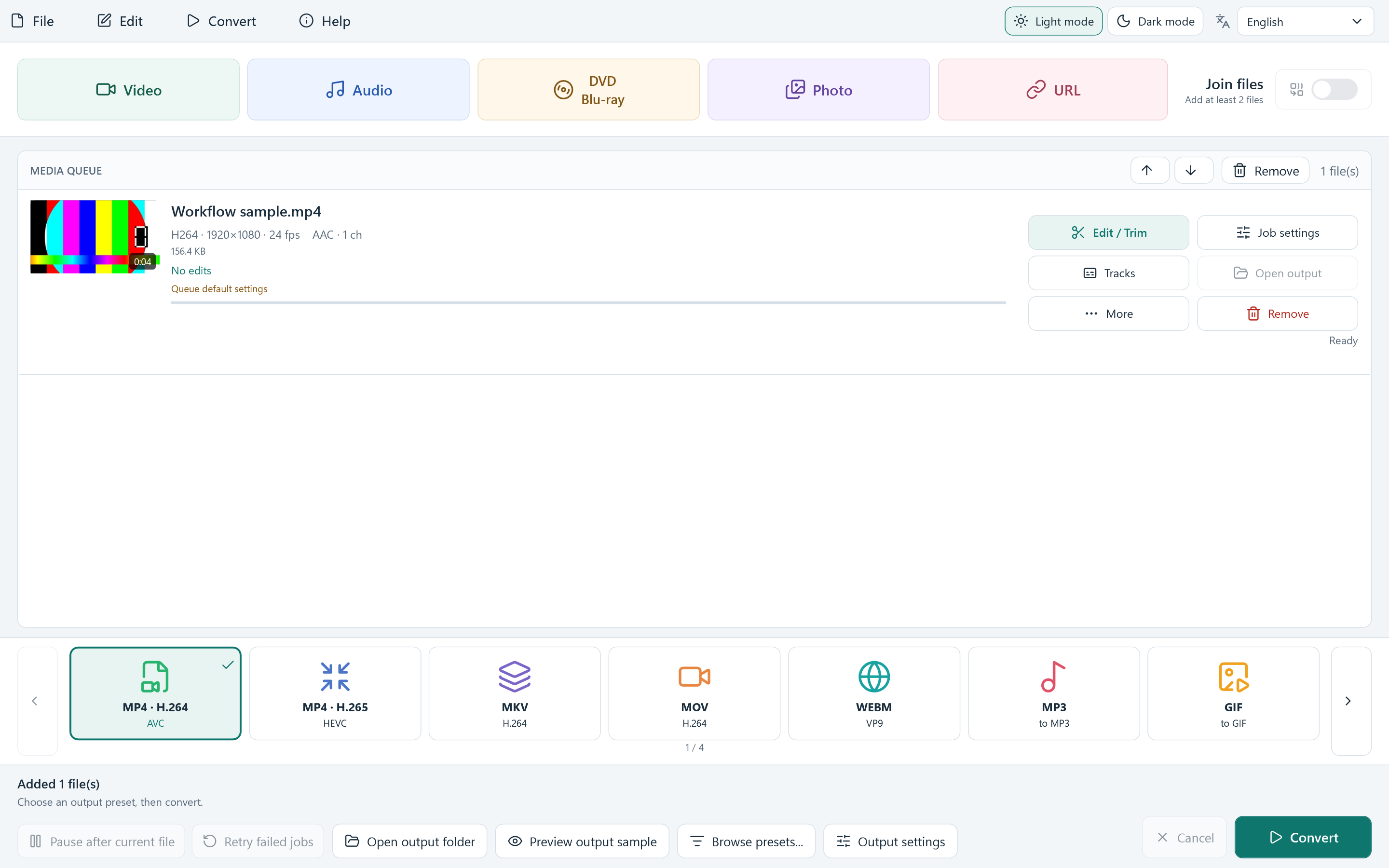
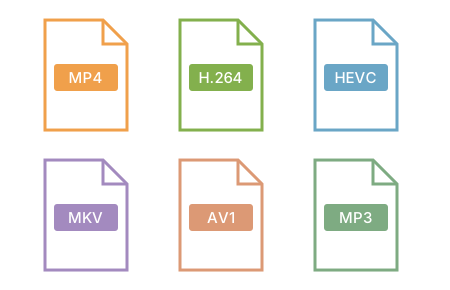
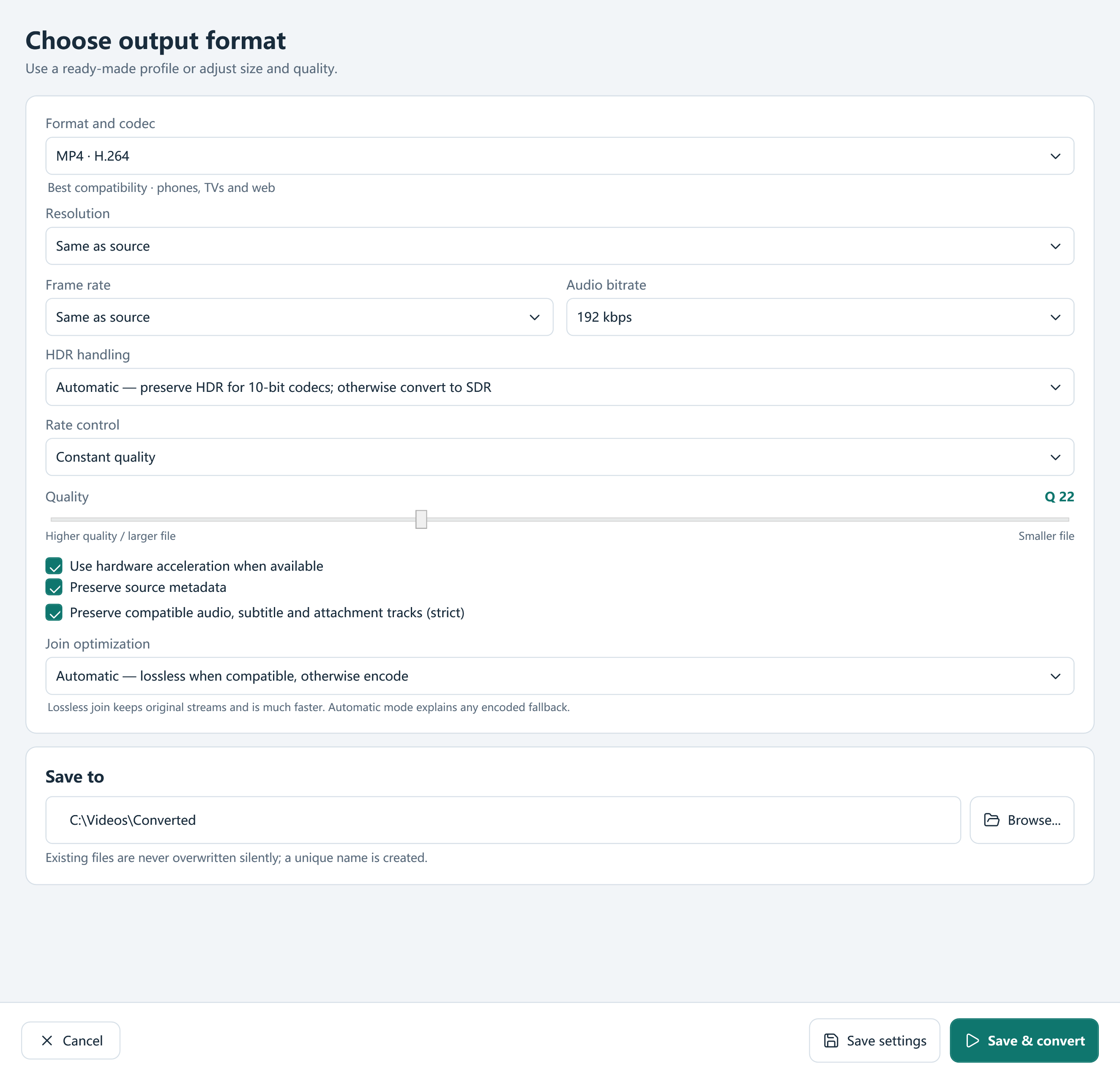
MP4 with H.264 video and AAC audio is a practical starting point for many phones, TVs and computers. HEVC and AV1 need compatible playback hardware or software. Use the device profiles as a starting point and check your specific device requirements.
Can I convert MKV, MOV or AVI to MP4?
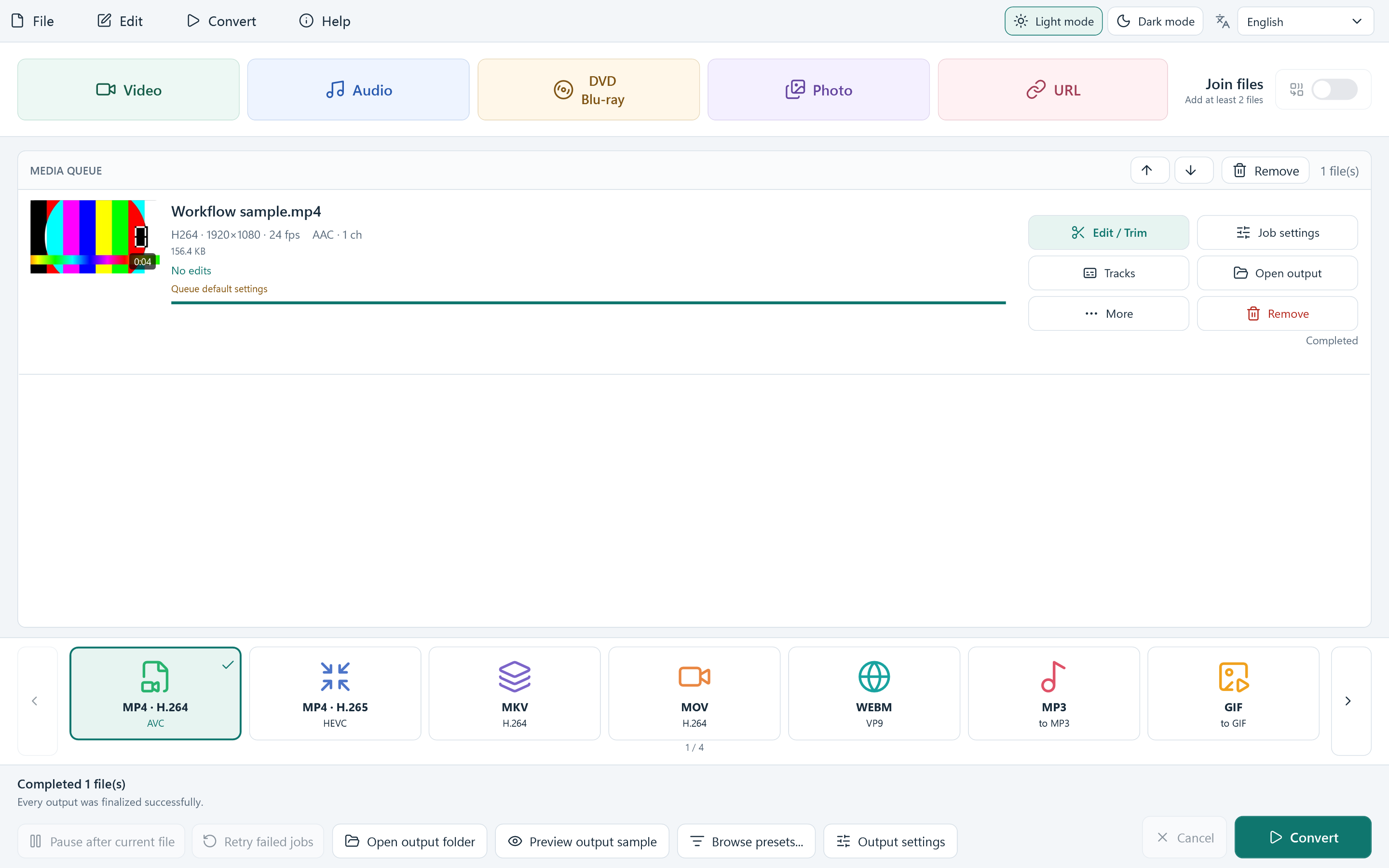
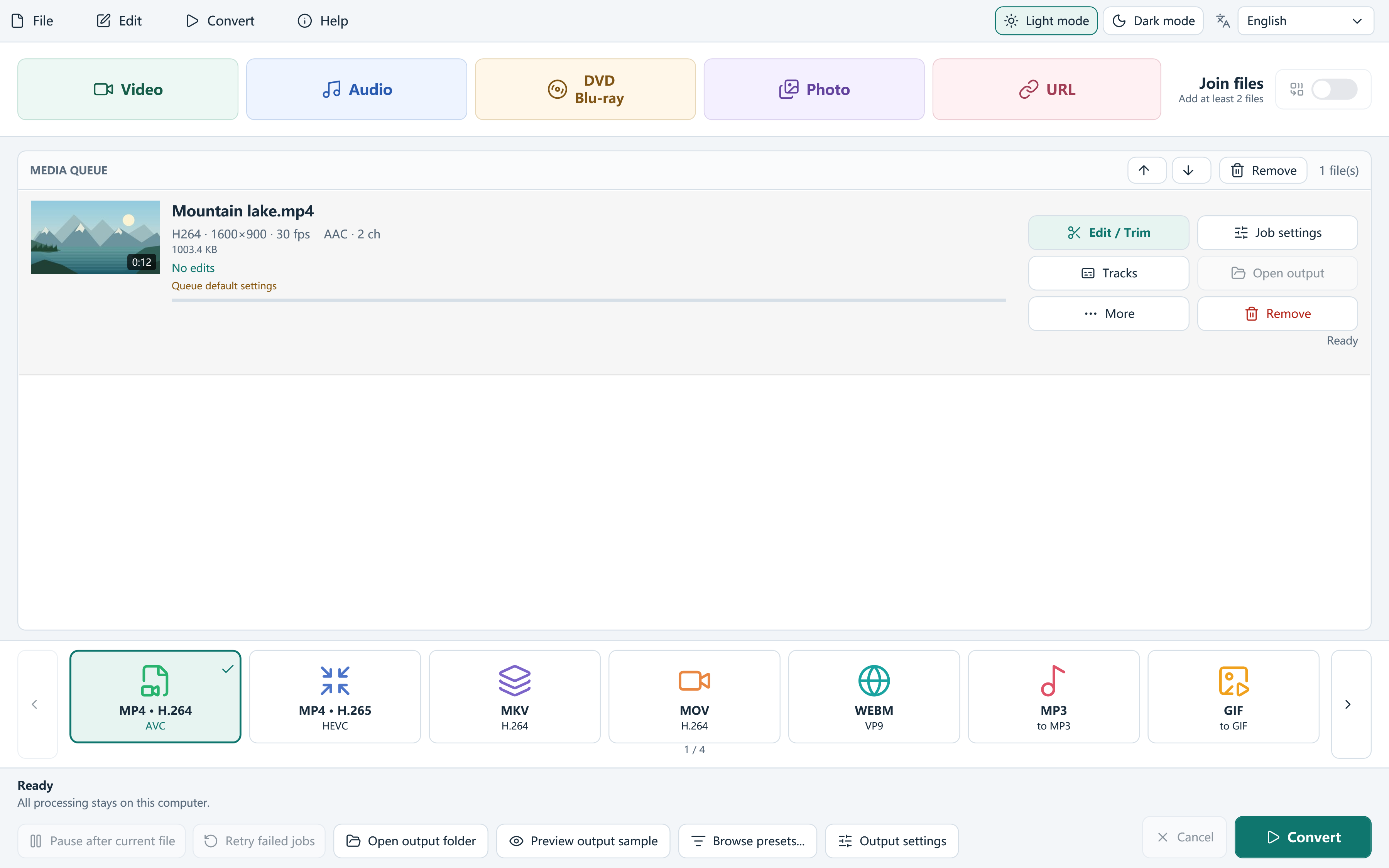
Yes. Add a readable source file, choose MP4 · H.264 or another suitable MP4 profile, select the output folder and click Convert. Compatible audio and subtitle handling depends on your output settings and the source tracks.
How do I make a video file smaller?
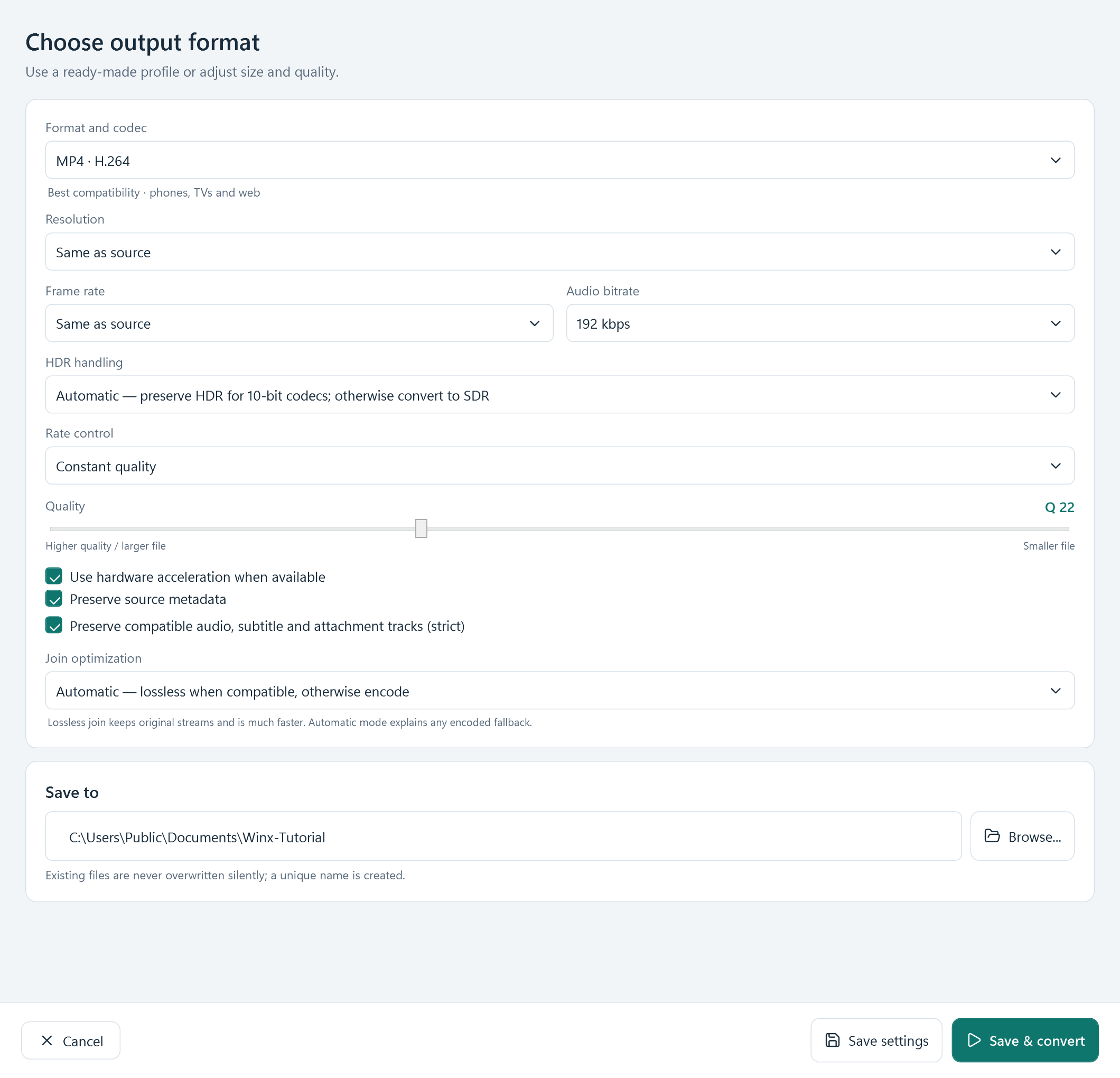
Open Output settings and choose quality, bitrate or target file size. A smaller resolution or a more efficient compatible codec may also help. Size and picture quality depend on the source and settings; check an encoded sample before converting a long file.
Can I trim and join without losing quality?
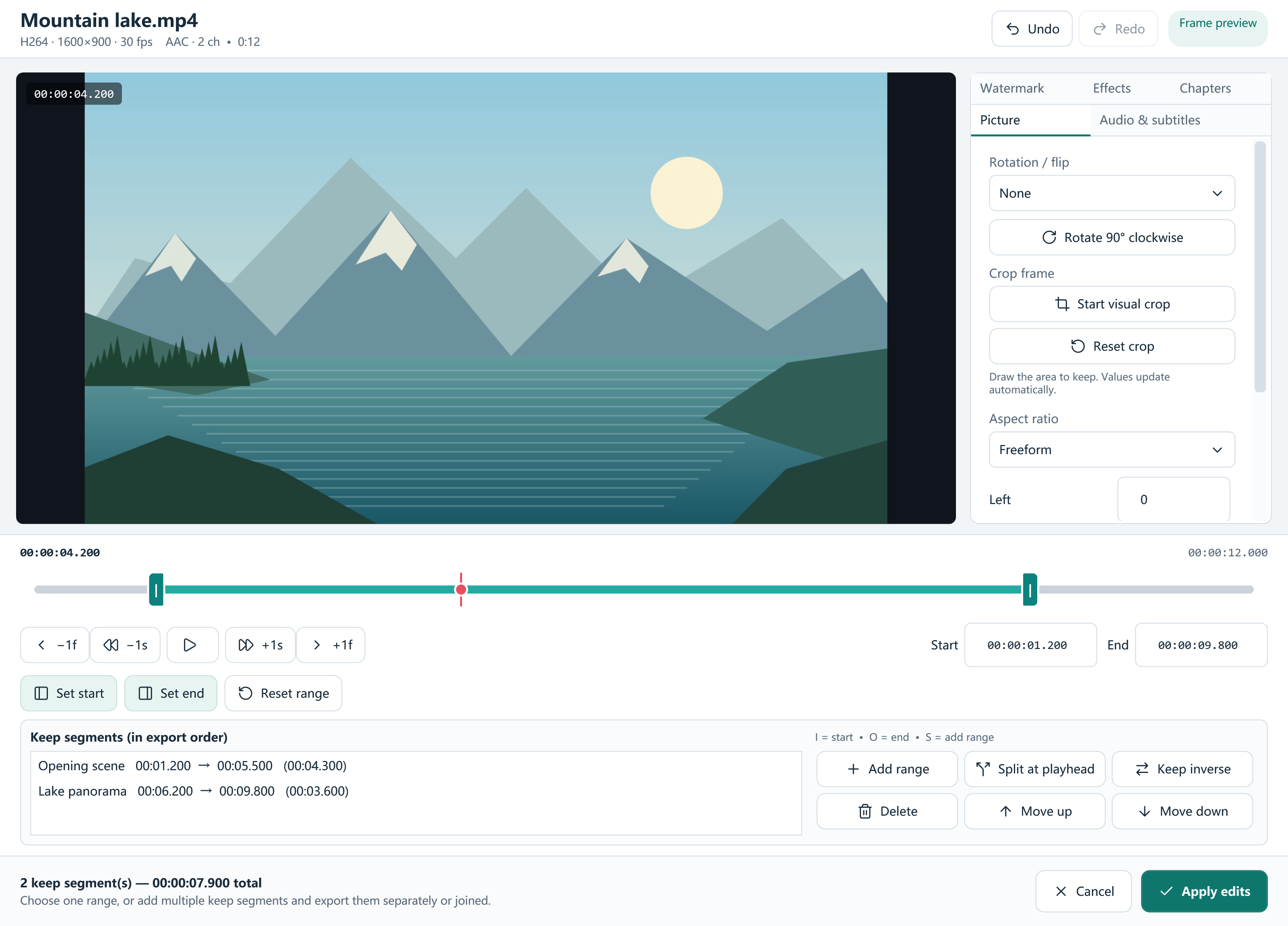
Some compatible joins and MKV remux operations can copy the original streams. The app checks whether stream copying is suitable. Cropping, filters, normalization and many exact editing operations require encoding, so lossless output is not available for every task.
When does an online video download?
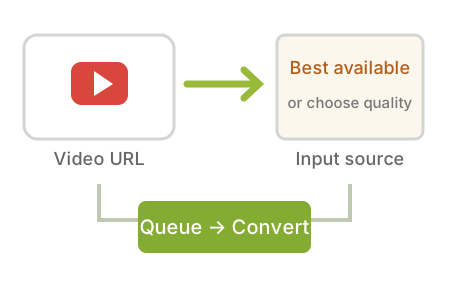
Adding a link reads its title, thumbnail and available input formats. The video and audio media download when you click Convert. Choose the download quality in the URL dialog and choose the final output format in the main window. Downloaded sources can then be edited locally.
What if a YouTube or other online source stops working?
Use the download error window or the Help menu to check for a newer download module, then retry. You can turn startup update checks on or off. Site support can change, and private, login-only, subscription or DRM-protected media is not supported. Download only media you own or have permission to use.
Does it upload my local videos?
Local file conversion runs on your Windows PC. The conversion app does not upload media to a cloud service or read browser cookies and saved logins. Online sources and module updates require an internet connection. Any separate optional installer offer has its own privacy terms.
Can I edit subtitles or create DVD and Blu-ray images?
Yes. Subtitle Studio edits SRT and ASS text, timing and styling; compatible subtitles can be retained or burned in. DVD authoring creates menus, VIDEO_TS folders and ISO images. Blu-ray authoring creates a continuous playlist with chapters, BDMV folders and ISO images; it does not create interactive Blu-ray menus.
What are the Windows requirements?
Use 64-bit Windows 10 version 2004 or later, or Windows 11, with Microsoft .NET Desktop Runtime 8 x64. Setup offers the official Microsoft runtime download when needed. Allow enough free space for source downloads, outputs and optional editing-preview files.