DVD-Video with interactive chapter menus
DVD authoring supports ordered titles, chapter menus and menu themes. Choose NTSC or PAL, a suitable picture aspect, single- or dual-layer capacity and a quality option. The result can be a VIDEO_TS folder, an ISO image or both.
DVD-Video uses a disc-compatible video format rather than retaining an arbitrary 4K source unchanged. Review the authored picture and navigation in a suitable disc player before deciding that a project is ready for distribution.
Blu-ray with a continuous playlist and chapters
The Blu-ray workflow arranges titles into one continuous playlist with chapter navigation. It creates a BDMV folder and/or a UDF 2.50 ISO image, with capacity and quality choices. This release does not create interactive Blu-ray menus.
For this authoring path, use clips that either all contain audio or are all silent. That requirement is separate from ordinary encoded video joins, which can synthesize silence for a silent clip in a mixed queue.
Prepare and create the project
Keep original media and allow space for encoded titles, staging and the final folder or image.
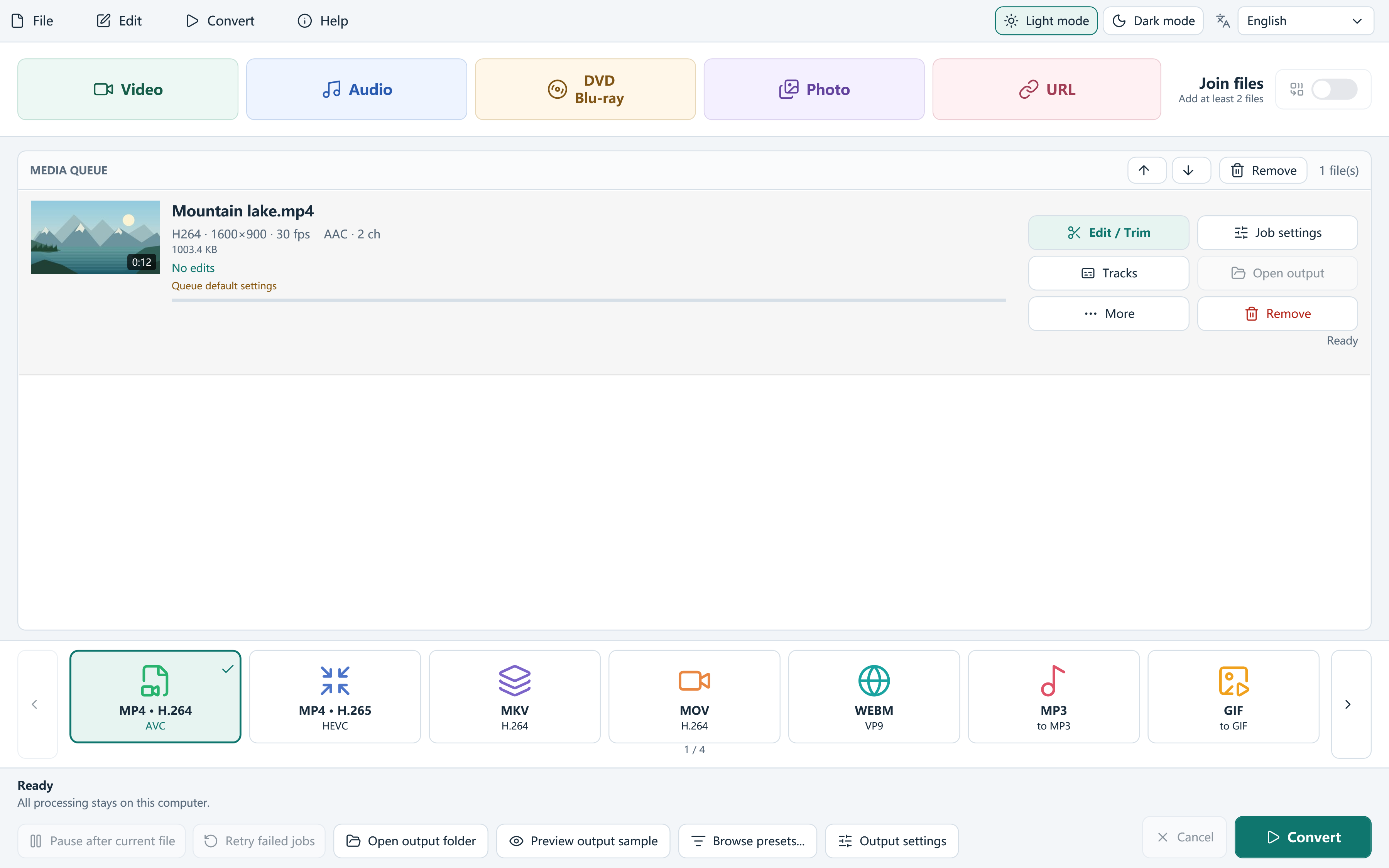
- Add your video sources and arrange the queue in the intended order. Review trims, keep segments and chapter information.
- Choose DVD or Blu-ray from the output targets to open the actual authoring window.
- Set title order, capacity and quality. For DVD, also review the menu and television format choices.
- Select folder, ISO or both, choose a writable destination and start creation. Follow progress and review any diagnostic log on failure.
- Open the authored result in a suitable player and verify title transitions, audio, chapters and, for DVD, menu navigation.
Import unencrypted disc folders by logical title
The DVD / Blu-ray input workflow reads supported VIDEO_TS and BDMV folder structures and offers logical titles with duration and track information. Use it to select the title you actually need rather than treating every transport file as an independent film.
The app does not decrypt CSS, AACS or BD+ or bypass other access controls. Use readable media you own or have permission to process.
Separate image creation from physical burning
Creating an ISO does not prove that a physical disc has been burned or will work in every standalone player. Optional Windows burning depends on a suitable drive, recordable disc and system support. Check the actual hardware and destination playback.
If capacity is exceeded, review duration, quality or layer choice rather than deleting an essential source. If authoring fails, keep the log and check free space and writable local destinations before retrying.
Frequently asked questions
Can I create a DVD menu?
Yes. DVD-Video authoring includes interactive chapter menus and themes.
Does Blu-ray have the same menu designer?
No. This build creates a continuous Blu-ray playlist with chapters, not interactive Blu-ray menus.
Can it decrypt a protected disc?
No. Disc folder import is for supported unencrypted structures and permitted media.