Windows guide
Export an MP4 With Just One Audio Track
Hand off one soundtrack when a shared MP4 defaults to the wrong language or contains commentary you don’t need.
Download Free Video ConverterWindows 10/11 (64-bit) · 2.07 MiB online installer. Downloads about 95.62 MiB of required program components. A required .NET runtime may download separately.
Identify the wanted track from the source
Play a passage with spoken words and switch audio in your current player. Write down the order and language of the desired track. Two entries in the same language may be the original soundtrack and commentary.
Select the one track for the output
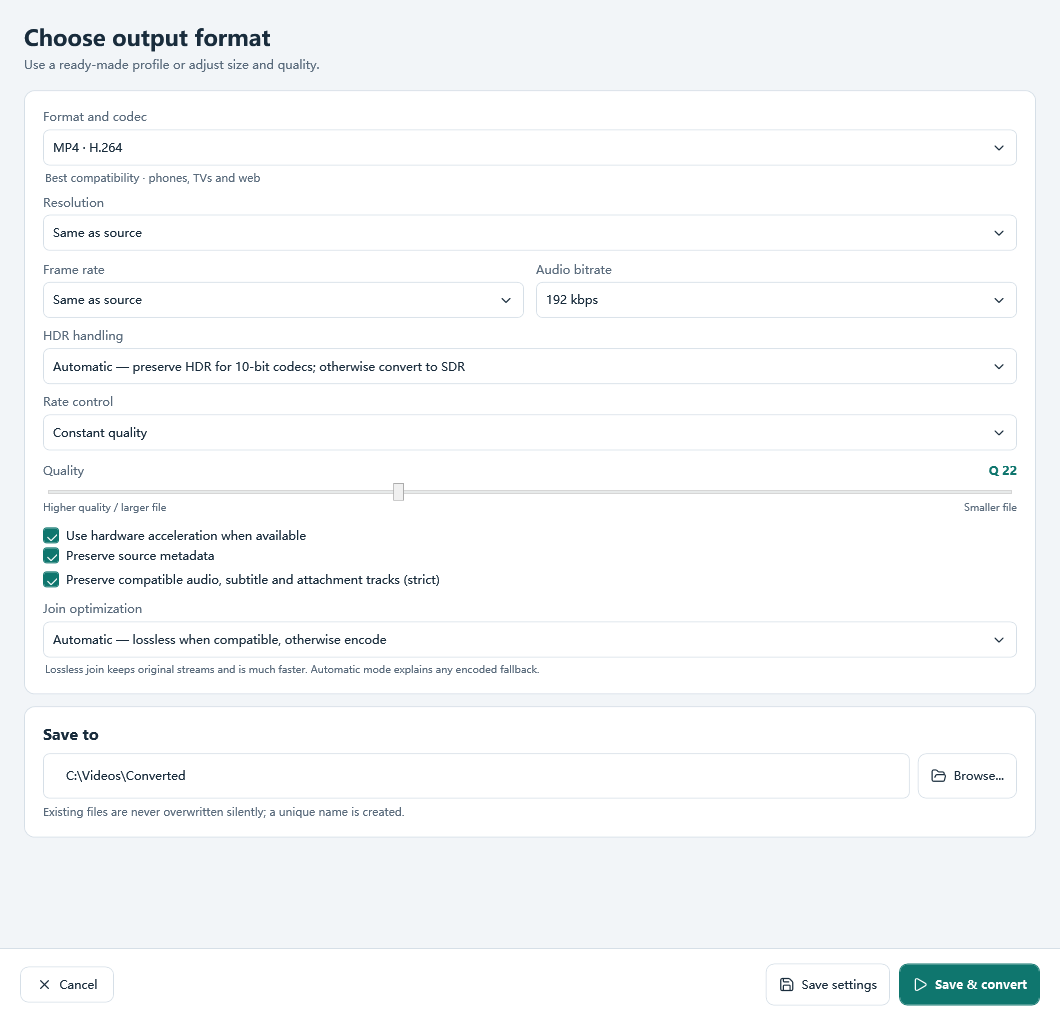
Add the file under Video. Open Tracks on the queued item, leave the desired soundtrack included and apply your selections. Select MP4 · H.264, open Output settings, and review the audio and track-preservation choices before starting.
Confirm there is only one choice in the player
Open the completed MP4 and inspect the audio menu. Listen to the known scene. If there are two tracks, review both the selected soundtrack and the output track preservation settings. If the intended voice plays correctly by default, the recipient has no track switch to make.